
Lapeer County Case Search Workflow
Work a Lapeer County case search as a short sequence. Pick the likely court. Run a defined name or number. Read the court and case type on the result, then bring any official-file question to the clerk. That is the whole routine. Searches can cross court lines, though. A felony often starts in Lapeer 71A District Court and lands in Lapeer Circuit Court after bindover, and sometimes the first court guess was simply wrong.
Keep notes as you go. The selected Lapeer County court, the exact query spelling, any filters, the search date, the result count, and the case number belong together in one place. With those details, a Lapeer clerk can tell whether a public-search limitation is the problem. The record may sit with another Lapeer County court. Or it may need a lawful access request.
Searching Cases by Name
For a Lapeer County case search by name, open MiCOURT Case Search. Select the Lapeer court before treating one result, or none, as the answer. The official field model asks for a last name or business name in the name panel. First name, middle name, and birth year are optional extras. A tight spelling plus the selected Lapeer court cuts down unrelated matches. Even so, a public result still needs a case-type and court check. Do not rely on it before that check.
- Open the official MiCOURT search, choose the relevant Lapeer County court, and select the name search panel.
- Enter the required last name or business name. Add first name, middle name, or birth year only when the live Lapeer search interface offers those fields and the detail is needed to distinguish results.
- Use the available case type, year, status, or filing-date filters to narrow the Lapeer County search without turning a public lookup into a broad collection exercise.
- Open a plausible result and verify the court, case type, case number, filing date, and status before relying on the public history.
A blank Lapeer County name search proves nothing. A spelling difference, the wrong Lapeer court selected, an older file, a transfer, a restricted category, a public-status limit, or a service interruption can all hide a result. Write down the date and court you searched. Then call the Lapeer office that holds the file.
Lapeer County Case Search Courts
Choosing the court is the first big decision in a Lapeer County case search. The Lapeer County Courts directory maps the local court paths. Lapeer 71A District Court handles traffic, misdemeanors, district civil cases, small claims, and preliminary felony proceedings. The Lapeer 40th Circuit Court takes felony cases after bindover, civil matters above $25,000, and many family matters. Estates, trusts, guardianships, conservatorships, and other probate matters run through Lapeer Probate on its own path.
The official MiCOURT Case Search interface is the statewide public discovery layer for a Lapeer County case search. 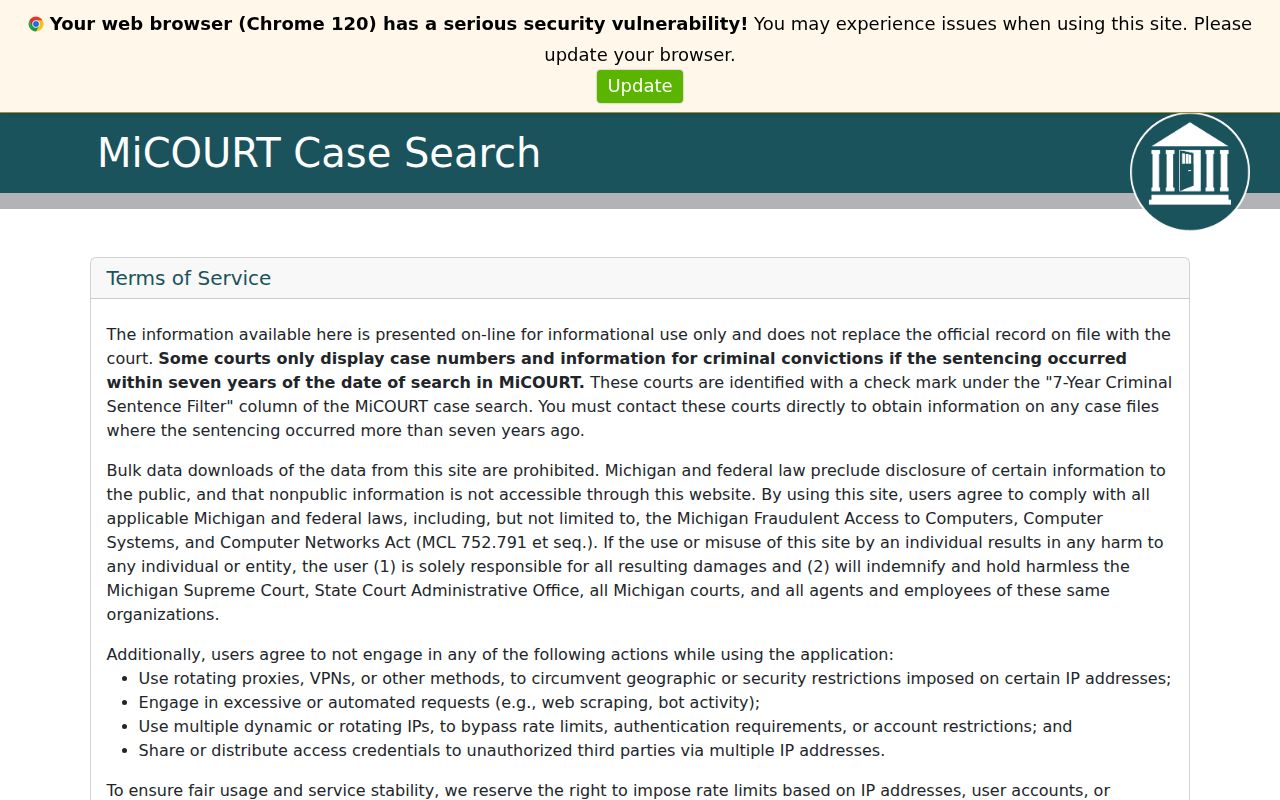 Selecting a Lapeer court is more reliable than assuming a county-name search covers every Lapeer County trial-court record in the same way.
Not sure which court has the matter? Search the Lapeer court named on the notice first. A felony may show in Lapeer District Court during preliminary proceedings and later continue in Lapeer Circuit Court after bindover. So read any result by its current location and case type, not just its title.
Lapeer County Case Search Recordkeeping
A focused Lapeer County case search is easy to repeat when you write things down. Log the search date, the selected court, the exact query, filters, result count, case number, case type, filing date, status, disposition, and source URL. Those details also let the Lapeer clerk see what the public result did or did not show.
Tie each Lapeer search log to one defined court case. Do not turn an ordinary case lookup into a request for a person's entire record. A case number plus a named document, register entry, or date question is the practical bridge from the online public display to the Lapeer court holding the official record.
Searching by Case Number
A known case number is the sharpest Lapeer County case search key you can hold. The official MiCOURT model splits the number search into year, number, and case type. Use the parts exactly as shown on a Lapeer notice or a prior Lapeer court record: year / number / case type. The official material publishes no privacy-safe Lapeer sample number. A made-up local code would help less than the real three-part search model preserved as is.
Enter the year, number, and type in their matching controls where the live Lapeer County interface supplies them. A number that returns nothing deserves a quick check. Confirm the Lapeer matter sits in 71A, Circuit, or Probate. Check whether a reopened or transferred case shows an original case number. Also check whether the type field was picked correctly. Skip punctuation. Never guess a type code the public result does not support.
Lapeer County Case Search Fields
The public field model in MiCOURT keeps name searching and number searching apart. Search controls and filter controls are distinct. The official model lists a required last or business name, optional identity fields, and a year-number-type case panel. The public display can change. So a Lapeer County case search should use only the fields the current Lapeer interface actually shows.
| Field label | Type | Required | Official use |
|---|---|---|---|
| Court | Selector | Select for a focused search | Choose the Lapeer County court rather than treating all trial courts as one result set. |
| Last name or business name | Text | Yes in the name panel | The official public-search model identifies it as the required name field for a Lapeer search. |
| First name, middle name, birth year | Text or year fields | No | Use only to separate otherwise similar public name results. |
| Case number year, number, type | Case-number fields | Used in the number panel | Enter the components from a Lapeer notice or verified court record. |
| Case type, status, filing dates | Filters | No | Use only when the live Lapeer County search exposes the control. |
The official MiCOURT search documentation shows the structured search approach behind a Lapeer County lookup. 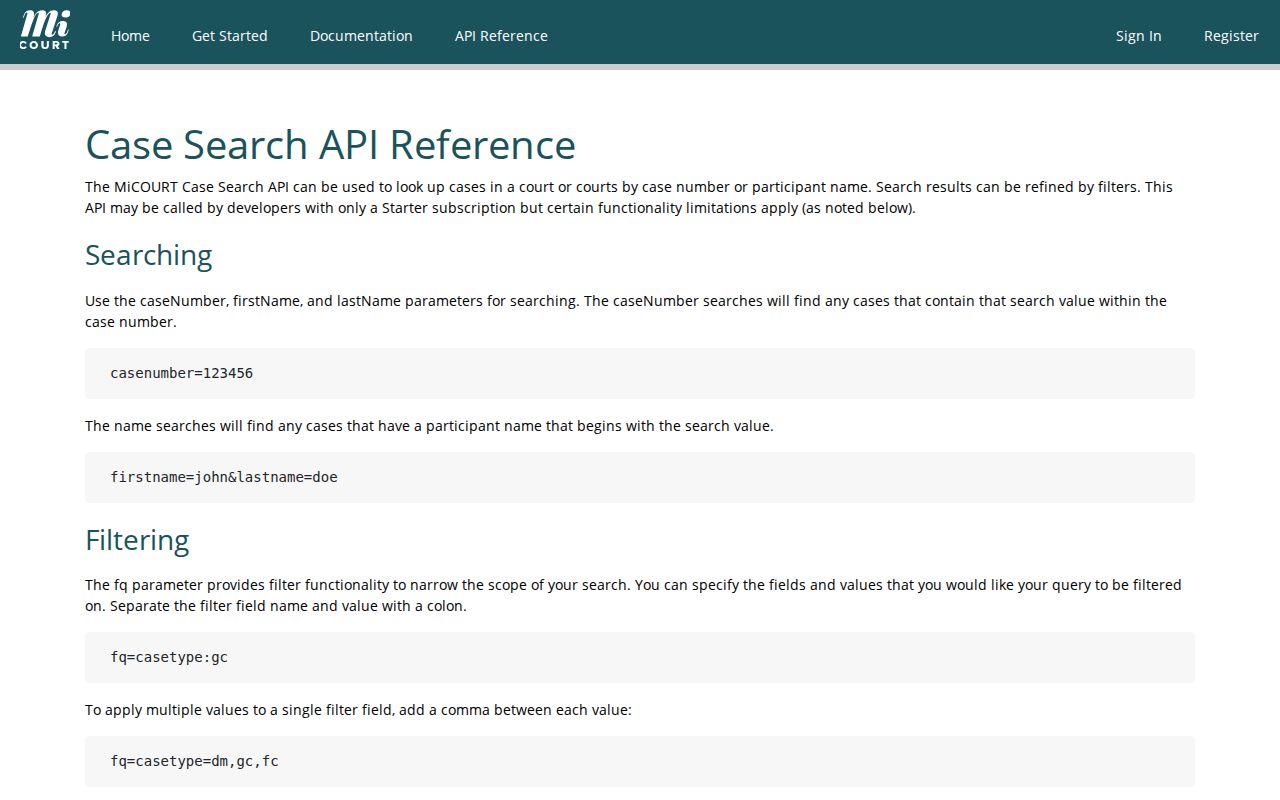 The field inventory is an interface model, not permission to collect private identifiers or to reproduce them in a public request.
What a Case Search Returns
A Lapeer County case search result can be a public index. It can also be a detail history, not every document in the official Lapeer file. The SCAO public-search model offers a useful list of possible result labels. A field shows up only when the public record makes it available. The selected Lapeer display must make it available too. Read the court and case type first. Then treat status and disposition as separate labels, not one summarizing the other.
| County, location, court | Identifies the jurisdiction and court location associated with the public result. |
|---|---|
| Case type and case number | Classifies the matter and provides the court-assigned identifier; an original case number may also appear. |
| Filing and reopen dates | Shows when the public record was filed and, if applicable, when a closed matter returned to active processing. |
| Status, close date, disposition | Separate public fields that should be copied exactly, not compressed into a conclusion about the case. |
| Judge and agency fields | May include judge, prosecutor, police agency, petition, or police incident when the public display provides them. |
A case search can point you toward the right Lapeer County record to order. Think register of actions, a judgment, an order, a transcript, or a certified copy. When the online summary is not enough for your purpose, the full route to a Lapeer County court file runs through Court Records.
Lapeer County Case Search Filters
Filters sharpen a Lapeer County case search. MiCOURT's own documentation lays out the choices. Category options include civil, criminal, domestic, non-traffic, probate, and traffic. Status options run from open, closed, deferred, and disposed to ADR and mediation. The system also supports year, public status, and judge. It adds date of birth, balance, filing-date range, sorting, limit, and offset. Stick to whatever filters the live public interface actually offers a Lapeer user. The screens may show fewer options than the documentation describes.
Not every documented qualifier is necessarily presented to an ordinary browser user in the same form. The official MiCOURT API reference records the available filter vocabulary. 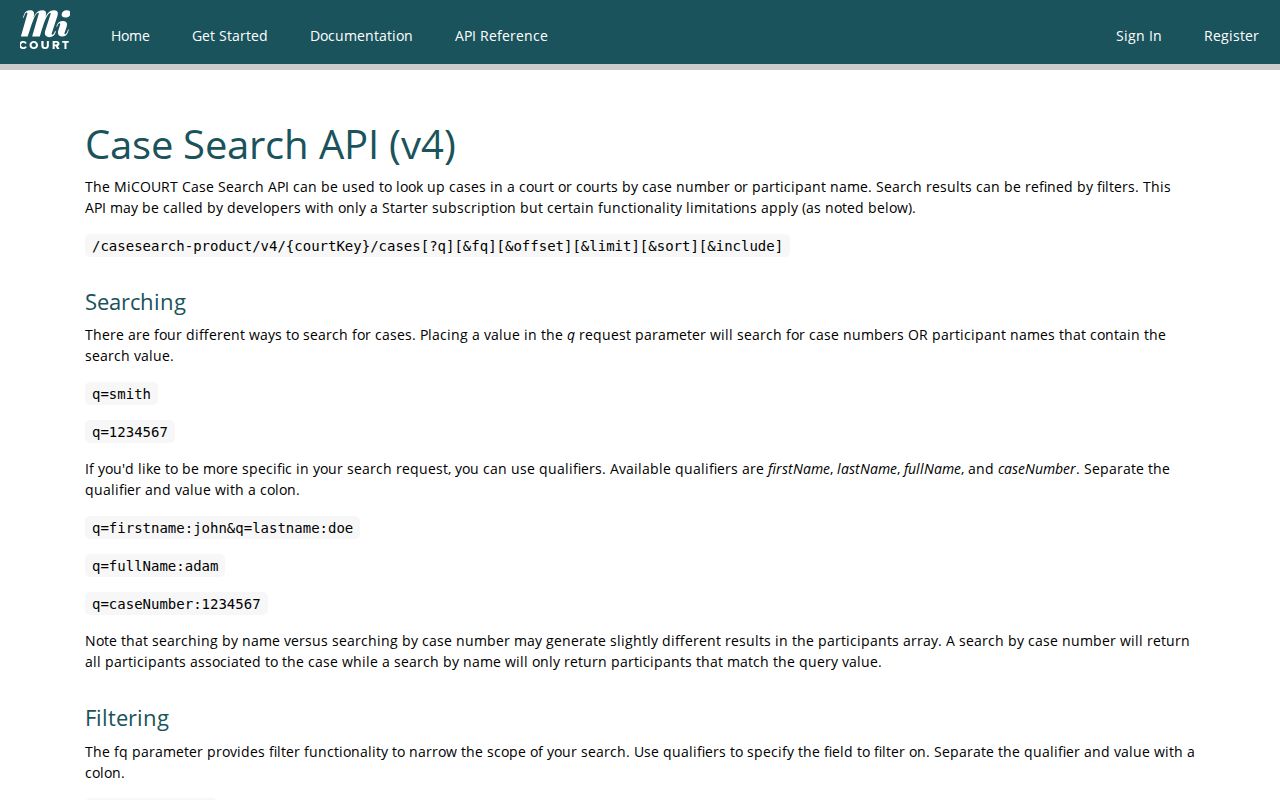 Use the live Lapeer County search controls as displayed, and avoid treating technical pagination rules as a public bulk-download feature.
One caution comes straight from MiCOURT's public interface. Bulk data downloads are not available there. A Lapeer County case search works best as a focused query, by case, name, or date, aimed at locating one public court record. Use a filter to narrow a specific question rather than to sweep together a broad collection of records.
Statewide vs County Case Search
MiCOURT serves as the public statewide layer for discovering Lapeer County case histories. Lapeer County offers no separately documented public county case-search database in its place. The local channels work as complements instead. CourtDisplay answers a date-specific event question. The responsible Lapeer clerk handles official files, copies, certification, older records, and lawful-access questions.
| Official channel | Best use | Important boundary |
|---|---|---|
| MiCOURT Case Search | Locate a public Lapeer County case by selected court, name, or number. | Informational public history; exclusions, older-file limits, and public-status limits apply. |
| CourtDisplay | Check a scheduled 71A, Circuit, or Family public event by date. | Calendar fields are not a complete register of actions. |
| Responsible Lapeer County clerk | Ask for inspection, a copy, certification, or a specific official record. | Access still depends on public status, rule, statute, and court order. |
The same Lapeer County court name can surface in more than one system. Each system does a different job. Pick the source that fits your question, then log the court, date, and case number together so your Lapeer County case search stays traceable later.
Lapeer County Case Search Results
Slow down when reading Lapeer County results. Begin with court, court location, case type, and case number. Then treat filing date, reopen date, case status, closed date, and disposition as separate entries. A criminal charge, a scheduled hearing, a public disposition field, and a filed order each describe a different stage of the court record. The result title alone never supports a broader conclusion about a Lapeer case. Log the court you selected, the exact query format, filters used, result count, source URL, and any warning or outage you saw. That record of your Lapeer County case search makes a later request sharper. Ask the clerk for a particular register entry, a named order, a transcript, or a certified copy. Avoid vaguely requesting a person's entire file. Note: Preserve the exact public label and date whenever a result matters. A case can later be reopened, transferred, corrected, or restricted.
Lapeer County Case Search Limits
MiCOURT calls its public results informational and excludes certain categories from display. So a blank Lapeer County case search can mean several things. It may reflect an excluded category, an older Lapeer file, the wrong court selected, a spelling or formatting difference, a restricted public status, or a temporary service issue. It is not proof that no matter exists. The public interface also warns that bulk data downloads are not available, and the developer documentation on filters and pagination does not create one. Use the fields in your browser for a targeted Lapeer County case search. For the official file, contact the responsible Lapeer court.
Access and Restricted Cases
Public access hits real limits in a Lapeer County case search. MiCOURT excludes whole categories from public display: adoption, juvenile and child-protective proceedings, juvenile guardianships, mental illness, name changes, parental waivers, personal protection orders, violation of PPO, extreme-risk protection orders, wills, and other sensitive proceedings. A blank Lapeer public result therefore does not establish that no underlying matter exists. State rules add more protection. MCL 712A.28 restricts juvenile case-record access. MCR 1.109 shields personal identifying information such as dates of birth, Social Security or national identification numbers, driver or state identification numbers, passport numbers, and financial-account numbers. Never ask a Lapeer clerk to reveal a juvenile name-search result through an ordinary public workflow. If lawful access may apply to you, contact the responsible Lapeer court. Name the specific record and your reason for the request.
Lapeer County Case Search Tools
MiFILE or TrueFiling is not a Lapeer County public case search. It handles filing, not looking. The official available-courts directory lists the Lapeer 71A District Court at 255 Clay Street, (810) 667-0314, and confirms electronic filing availability for that court. The local 71A District Court page carries current instructions. Remember that filing access differs from viewing a public docket or downloading a court file.
The official MiFILE available-courts directory distinguishes that Lapeer filing layer from public case lookup. 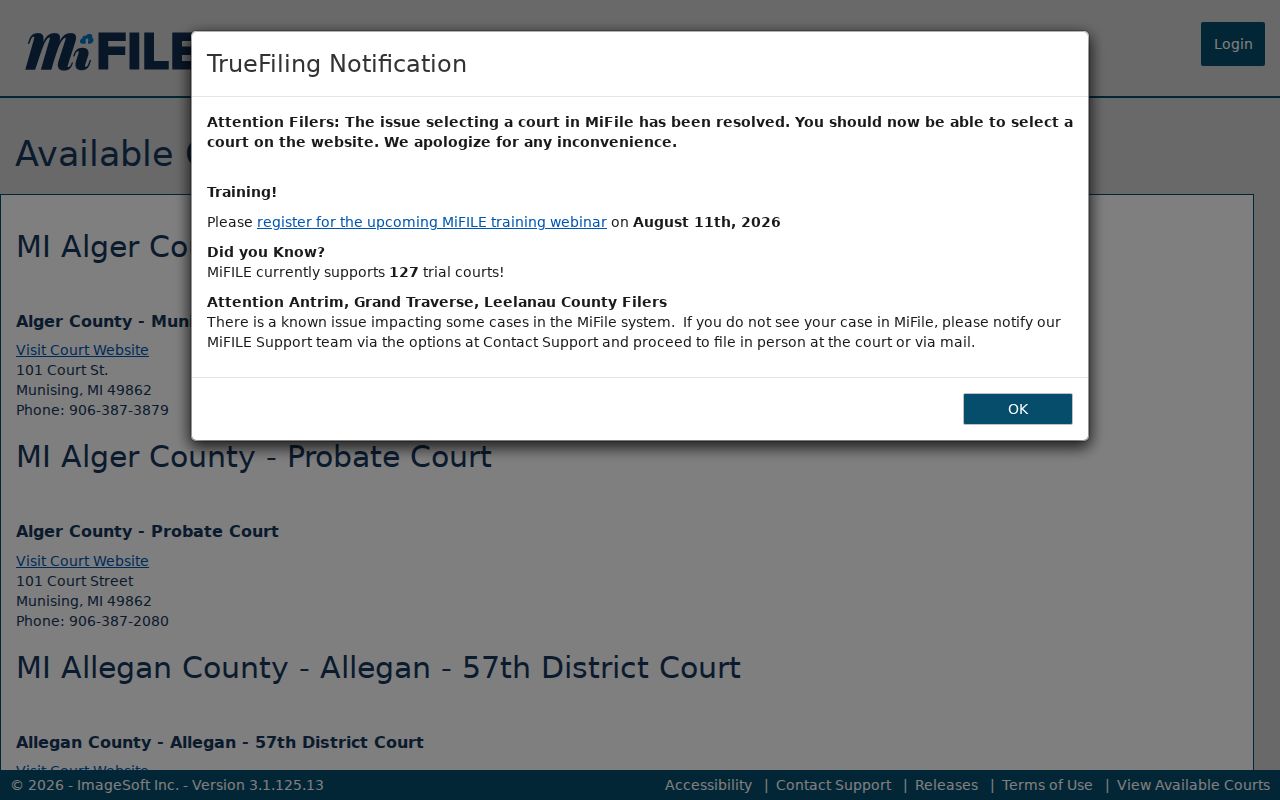 CourtDisplay is different again because it reports scheduled Lapeer public events. MiCOURT is the discovery layer, CourtDisplay is the calendar layer, and MiFILE is the electronic filing layer.
When a Lapeer County result comes up empty, work a simple sequence. Verify the Lapeer court, the year, and the number formatting. Remove filters you do not need. Check the calendar date only after identifying the case. Then call the responsible Lapeer clerk with your search details in hand. That discipline keeps a tool boundary from masquerading as an answer about the underlying record.